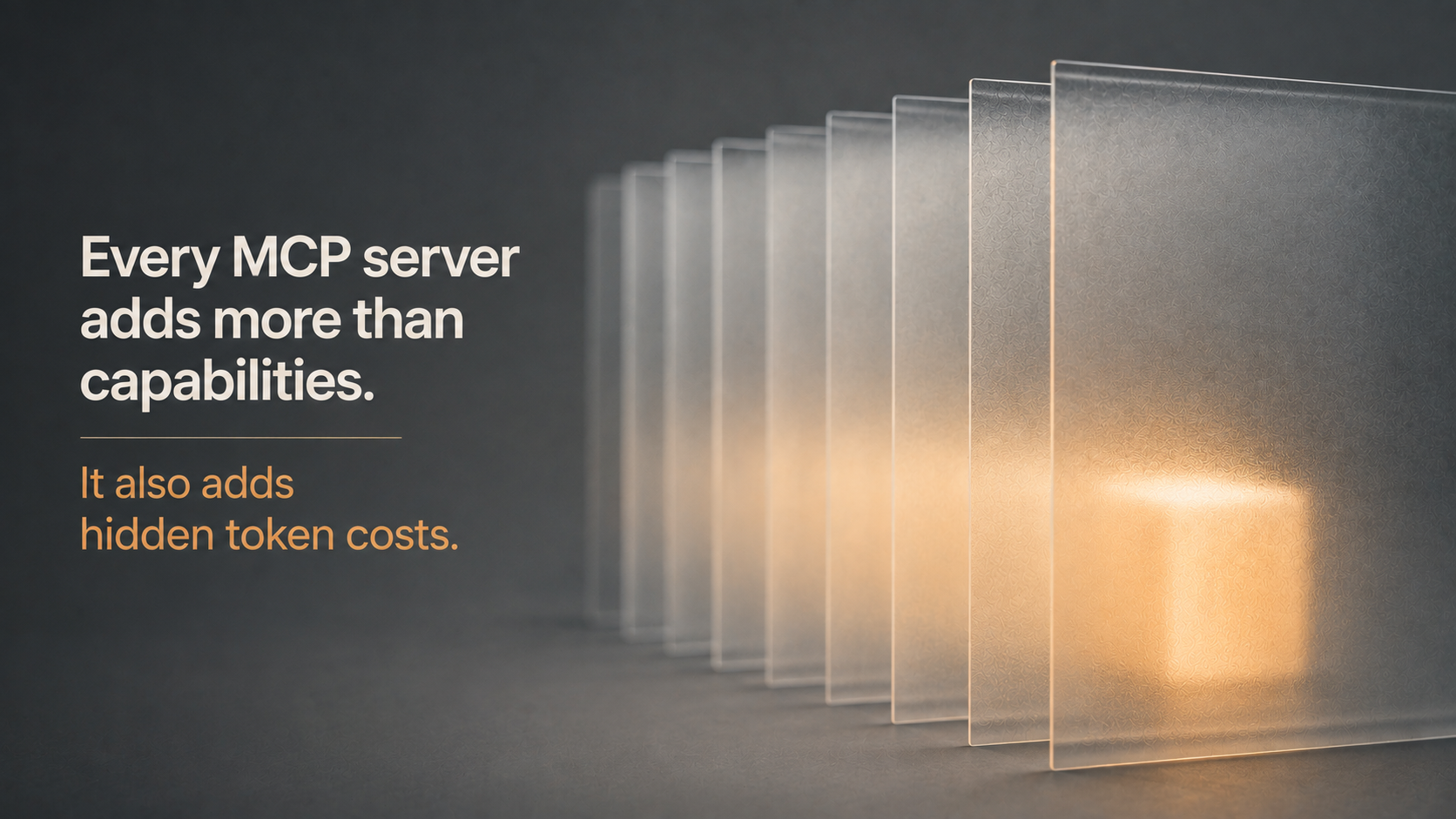
Connect five MCP servers to Claude Code, type nothing, and you can already be down 50,000 tokens before the model has read a single line of your prompt. No error. No warning. Just a slower, more expensive, quietly dumber session, and most teams never find out why.
We spend a lot of time around engineers who build with Claude Code daily, and this is the cost problem that catches almost everyone off guard. Not because it’s obscure. Because it’s invisible by design. MCP servers do exactly what they’re supposed to do. Nobody told you what that costs.
What MCP Actually Loads Into Context
Model Context Protocol (MCP) is Anthropic’s open standard for connecting Claude to external tools: GitHub, Slack, databases, internal APIs, whatever your stack needs. Every server you connect to registers its tools, and each tool ships a name, a description, and a parameter schema. That’s the part nobody reads twice before hitting connect.
Here’s the part that matters: those definitions get loaded into context, and depending on your configuration, that load can happen on every single turn, not once at the start of the session. A server with two clean tools costs almost nothing. A server with ninety costs real money and real attention, whether you use it that session or not.
The spread between servers is enormous. A minimal SQLite server can run under 500 tokens. The full GitHub MCP server, by contrast, has been independently measured at roughly 26,000 to 55,000 tokens of tool definitions alone, somewhere between 13 and 27 percent of a 200,000-token context window, before you’ve asked it to do anything.
The Two Different Bills You’re Paying
It helps to split this into two costs because the fixes are different for each.
Fixed cost: the tool definitions themselves. Every connected server injects names, descriptions, and schemas at session start. This is the part that surprises people, because it’s paid whether or not the tools ever get used.
Variable cost: the results. Every tool call returns its full output into context, not a summary. A 10,000-row database query, a sprawling log file, a bloated JSON response — all of it sits in the window for the rest of the session, and Claude re-reads the entire conversation on every subsequent message. Message 50 costs more than message 5, purely because of what came before it.
Connect three or four servers without thinking about either cost, and it’s realistic to burn well over half your context window on overhead before the actual work starts.
Why This Isn’t Just a Cost Problem
Token spend is the amount that appears on a bill, so it’s the part people notice first. It’s not the most damaging part.
Output quality degrades when too many tool definitions compete for the model’s attention. Teams running heavier MCP setups have reported the model starting to chase irrelevant tools mid-task, confidently suggesting something like creating a GitHub issue as the fix for a database timeout. More tools loaded don’t mean more capability. Past a certain point, it means the model is reasoning across a cluttered surface instead of your actual problem.
For a founder or engineering lead, this reframes the question. It’s not “can we afford the extra tokens?” It’s “Are we quietly making every session worse by leaving eight MCP servers connected that we use twice a month?”
The Fix Anthropic Already Shipped, and the Ones You Still Own
The good news is that the protocol itself has moved. Anthropic shipped a tool search capability that defers loading full schemas until a tool is actually needed, rather than dumping every definition upfront. Reported early results show startup token cost dropping by roughly 83 percent when this is active, and one widely cited production measurement went from roughly 51,000 tokens of overhead down to 8,500 after enabling it, a reduction of close to 83 percent, without rewriting a single prompt.
That’s the infrastructure fix. It’s not universally on by default everywhere yet, and it doesn’t replace good habits.
Four Things Worth Doing This Week
Run /context. See exactly where your tokens are going before you guess. This takes thirty seconds and usually surprises people.
Audit your connected servers. Most developers have three or four MCP servers loaded that they touch once a week. Disconnect them. Reconnect when the task actually needs them.
Allow-list tools; don’t load whole servers. If you use five operations out of fifty on a server, only expose the five. This alone can cut a server’s overhead by roughly 80 to 90 percent.
Preprocess before it hits context. A hook that greps a 10,000-line log for the word “error” and returns only matches. This turns tens of thousands of tokens into a few hundred. Claude doesn’t need the haystack, just the needle.
FAQ: MCP, Token Costs, and Building a Team That Gets This Right
Q. Does connecting an MCP server cost tokens even if I never use it that session?
Yes, in a default configuration. The tool definitions load at session start regardless of whether you call the tool. Deferred loading changes this, but only where it’s actively configured.
Q. Is a bigger context window the fix for MCP overhead?
No. A bigger window just gives the overhead more room to hide. The overhead is still a real cost, and comprehension at large context sizes varies significantly between models, so a stuffed window rarely performs as well as a lean one.
Q. How do we know if a candidate actually understands this, versus just knowing how to connect a server?
Ask them to walk through a Claude Code cost audit they’ve actually run and what they disconnected as a result. Engineers who’ve hit a bloated context window in production talk specifically about what they cut. Engineers who haven’t tend to talk about MCP in the abstract.
Q. Where do we find engineers who already build with this discipline?
This is one of the practical signals we look for when vetting developers for MyNextDeveloper clients, because cost-aware context engineering says more about how someone actually works with AI tooling day to day than a resume line about “AI experience” ever will.
Key Takeaways
MCP servers load full tool schemas into context, sometimes on every turn, whether the tools get used or not.
The GitHub MCP server alone has been measured between roughly 26,000 and 55,000 tokens of overhead before your first prompt.
Overloaded context doesn’t just cost money. It degrades output quality, sometimes visibly.
Deferred tool loading, allow-listing, and preprocessing hooks are the practical, available fixes today.
Run /context before you assume you know where your tokens are going. Most people don’t.
Why It Matters
MCP servers are genuinely useful, and none of this is an argument against connecting them. It’s an argument against connecting them and forgetting they’re there. The overhead is measurable, the fixes are available, and the teams pulling ahead are the ones treating context like a budget instead of an afterthought.
That kind of discipline doesn’t show up on a resume, but it shows up fast in how someone actually works. It’s exactly the kind of judgment we screen for at MyNextDeveloper when we match founders with engineers who already build this way, not ones who are still learning it on your dime.
TL;DR
Every MCP server connected to Claude Code loads its full tool schema into context, sometimes on every turn, whether you use it or not. The GitHub MCP server alone has been measured between roughly 26,000 and 55,000 tokens of overhead before you’ve typed a single prompt. This isn’t just a cost problem: overloaded context also degrades output quality, sometimes causing the model to chase irrelevant tools mid-task. Anthropic’s deferred tool-loading feature helps, but allow-listing tools, disconnecting unused servers, and preprocessing noisy tool output are still on you. Run /context before assuming you know where your tokens are actually going.
Looking to build a high-performing remote tech team?
Check out MyNextDeveloper, a platform where you can find the top 3% of software engineers who are deeply passionate about innovation. Our on-demand, dedicated, and thorough software talent solutions provide a comprehensive solution for all your software requirements.
Visit our website to explore how we can assist you in assembling your perfect team.