In deel 1 van deze serie hebben we gekeken naar de vier Claude-certificeringen en hoe je degene kiest die bij je rol past.
Nu komt het praktische gedeelte: Als je weet welke certificering je wilt, hoe registreer en doe je eigenlijk het examen?
Het is niet zo eenvoudig als een website bezoeken, het examenkosten betalen en een datum kiezen. Er is een toegangsvereiste waar veel handleidingen geen aandacht aan besteden, gevolgd door enkele stappen met de Anthropic Partner Academy, Skilljar en Pearson VUE.
Hier is hoe het hele proces werkt, inclusief wat je op examendag kunt verwachten.
Zorg eerst dat je in aanmerking komt
Dit is waarschijnlijk het belangrijkste om te weten voordat je begint.
Claude-certificering is momenteel niet voor iedereen beschikbaar. Je hebt een werkemail nodig die verbonden is met een organisatie in het Claude Partner Network om je in te schrijven.
Persoonlijke e-mailadressen zoals Gmail, Outlook of iCloud werken niet. Het hebben van een regulier Anthropic- of Claude.ai-account geeft je ook niet automatisch toegang.
Dus waar laat dit je achter?
Als je bedrijf al een Claude Partner is
Dit is de gemakkelijkste route.
Je kunt je registreren met je werkemail en het proces starten. Dit is hoe ons team bij MND toegang kreeg. Onze certificeringspush was gekoppeld aan onze bestaande relatie met het Claude Partner Network.
Als je bedrijf nog geen partner is
Je bedrijf kan zich mogelijk aanmelden om lid te worden van het Claude Partner Network.
Anthropic staat toe dat bedrijven die Claude-gebaseerde oplossingen commercieel bouwen, verkopen of leveren zich aanmelden. Goedkeuring kost echter tijd, dus dit is niets om tot de week voor je examen uit te stellen.
Als je een individu bent
Hier wordt het een beetje ingewikkelder.
Anthropic heeft niet aangekondigd wanneer algemene registratie met persoonlijke e-mailadressen beschikbaar wordt.
Enkele externe organisaties bieden betaalde manieren aan om een partner-e-mailadres voor certificeringsdoeleinden te benaderen. Deze opties bestaan, maar wij zouden ze als een noodoplossing behandelen. Lees de voorwaarden zorgvuldig door voordat je enige overeenkomst met een ander bedrijf aangaat.
Als je dit via je werkgever doet, is het eenvoudigste wat je kunt doen controleren met de persoon die de Anthropic-partnership van je bedrijf beheert voordat je jezelf probeert in te schrijven.
Hoe schrijf je je in voor het examen
Zodra je weet dat je toegang hebt, is het eigenlijke proces vrij eenvoudig.
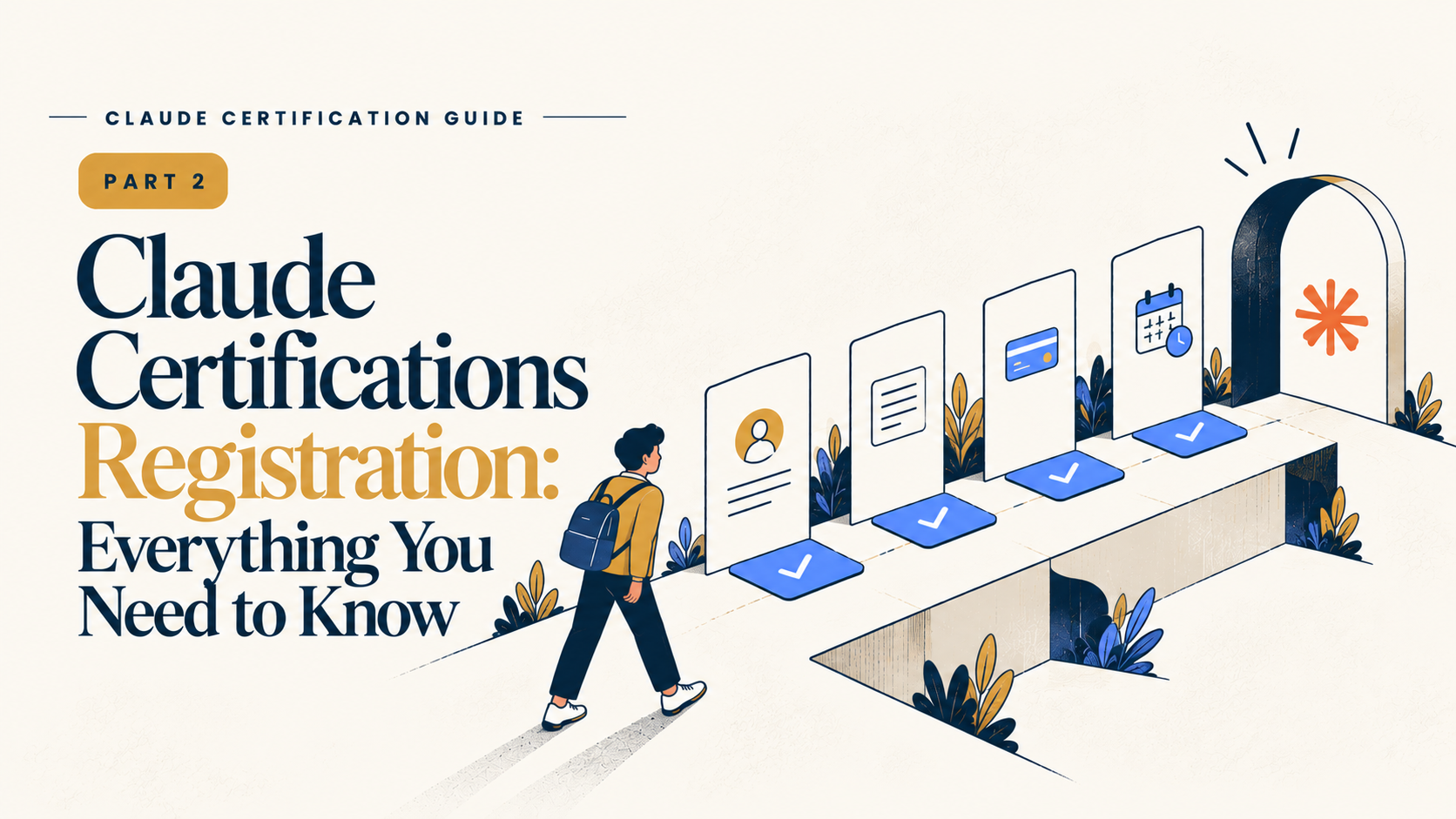
1. Maak je Partner Academy-account aan
Claude-certificeringsregistratie verloopt via de Anthropic Partner Academy en Skilljar.
Dit is gescheiden van je normale Anthropic- of Claude.ai-account, dus verwacht niet dat je een ander inloggegevens hoeft te maken.
2. Voltooi de voorbereide cursussen
Elke certificering heeft zijn eigen aanbevolen trainingscursussen.
Deze cursussen zijn gratis, of je slaagt voor het examen of niet. We gaan veel meer in detail in op de cursussen en voorbereiding in deel 3.
3. Registreer en betaal voor je examen
Kies de certificering die je wilt en betaal de examenkosten.
Op het moment van schrijven zijn de prijzen (in USD):
Associate – $99
Developer – $125
Architect Foundations – $125
Architect Professional – $175
Als je organisatie in aanmerking komt voor een partnerkorting, moet deze bij het afrekenen worden toegepast.
4. Haal je Pearson VUE-gegevens
Na registratie ontvang je je Pearson VUE-inloggegevens.
Als dit je eerste Pearson-examen is, ontvang je een e-mail met je gebruikersnaam en wachtwoord.
5. Plan je examen in
Log in op Pearson VUE en kies je examendag.
Afhankelijk van je locatie kun je het examen online van je eigen computer doen of een persoonlijk testcentrum bezoeken.
Je kunt je afspraak ook tot 48 uur voor het examen zonder straf verplaatsen of annuleren.
Één ding om in gedachten te houden: het instellings- en verificatieproces kan enige tijd duren, vooral als je bedrijfsemaildomein niet onmiddellijk wordt herkend. Het kan overal van dezelfde dag tot zeven tot tien werkdagen duren.
Dus laat registratie niet tot het laatste moment.
Wat gebeurt er op examendag?
Alle vier Claude-certificeringen worden geproctored en vereisen voor online testtakers identiteitsverificatie via Pearsons OnVUE-systeem.
Als je het examen online doet, is hier wat je kunt verwachten.
Eerst verifieer je je identiteit: Je moet een door de regering uitgegeven ID laten zien, en alleen bepaalde soorten ID worden geaccepteerd. Controleer van tevoren de vereisten van Pearson.
Vervolgens toon je je werkplek: Je moet bewijzen dat je bureau en omgeving vrij zijn van alles wat je tijdens het examen zou kunnen gebruiken.
Tot slot heb je een rustige ruimte nodig: Alle vier examens zijn twee uur lang, dus zorg ervoor dat je ergens bent waar je niet wordt onderbroken.
Tijdens het examen kun je vragen markeren en later terugkomen.
Op basis van feedback van kandidaten die de examens hebben gedaan, is tijd over het algemeen niet het grootste probleem. Sommige mensen zijn klaar met veel tijd over om hun antwoorden door te nemen.
In plaats van te haasten, kun je dus de extra tijd gebruiken om vragen door te gaan waarvan je niet zeker was.
Wat als je niet slaagt?
Je mag tot vier pogingen per examen binnen een periode van 12 maanden.
Er zijn wachttijden tussen pogingen:
Na je eerste poging: 14 dagen
Na je tweede poging: 30 dagen
Na je derde poging: 90 dagen
Er is ook geen gereduceerd hertentamen. Elke poging vereist dat je opnieuw het volledige examenkosten betaalt.
Zodra je slaagt, is je certificering geldig voor 12 maanden.
Het goede nieuws is dat als je vernieuwt voordat deze verloopt, de vernieuwing een gratis, niet-geproctoreerde refresher-beoordeling is. Je hoeft de volledige examen niet opnieuw te doen.
Als je de certificering laat verlopen, moet je echter het volledige tarief betalen en het volledige geproctoreerde examen opnieuw afleggen.
Een paar vragen die je mogelijk hebt
Kan ik mijn persoonlijke e-mail gebruiken?
Nee. Je hebt een werkemail nodig die verbonden is met een organisatie in het Claude Partner Network.Geeft mijn Claude.ai-account me toegang?
Nee. Een regulier Anthropic- of Claude.ai-account is gescheiden van Partnership Network-lidmaatschap.Kan ik het examen persoonlijk doen?
Ja, waar Pearson VUE-testcentra beschikbaar zijn. Je kunt het ook online doen.Kan ik verplaatsen?
Ja. Je kunt tot 48 uur voor je afspraak zonder straf verplaatsen of annuleren.Hoe vaak kan ik het hertentamen?
Tot vier pogingen in een periode van 12 maanden, met wachttijden tussen pogingen. Elke hertentamen kost het volledige examenkosten.
Één ding om te onthouden
Voor de meeste mensen is de grootste verrassing niet het examen. Het is ontdekken dat je toegang tot het Claude Partner Network nodig hebt voordat je je kunt inschrijven.
Zodra je voorbij die stap bent, is de rest vrij bekend: maak je account aan, voltooi de training, betaal voor het examen, plan het in via Pearson VUE en verschijn voorbereider.
Voor teams is er nog een ander handig punt. Claude-certificering is niet iets wat iemand zomaar op een willekeurige middag met een persoonlijk e-mailadres kan ondertekenen. Er zit een organisatorische relatie achter het proces.
Bij MyNextDeveloper was dat een van de redenen waarom certificering voor ons zinvol was. We verzamelden niet zomaar certificaten. We bouwden diepere Claude-vaardigheden uit over een team dat al met de technologie werkt.
Volgende: Deel 3 - Hoe je voorbereidt: Studieplan en gratis bronnen, waar we uitleggen wat je moet studeren, welke gratis bronnen je kunt gebruiken en hoe onze gecertificeerde teamleden zich op hun examens hebben voorbereid.
Op zoek naar het bouwen van een high-performing remote tech team?
Bekijk MyNextDeveloper, een platform waar je de top 3% softwareontwikkelaars kunt vinden die diep gepassioneerd zijn over innovatie. Onze on-demand, dedicated en grondige software talentoplossingen bieden een alomvattende oplossing voor al je softwarevereisten.
Bezoek ons website om te ontdekken hoe we je kunnen helpen je perfecte team samen te stellen.