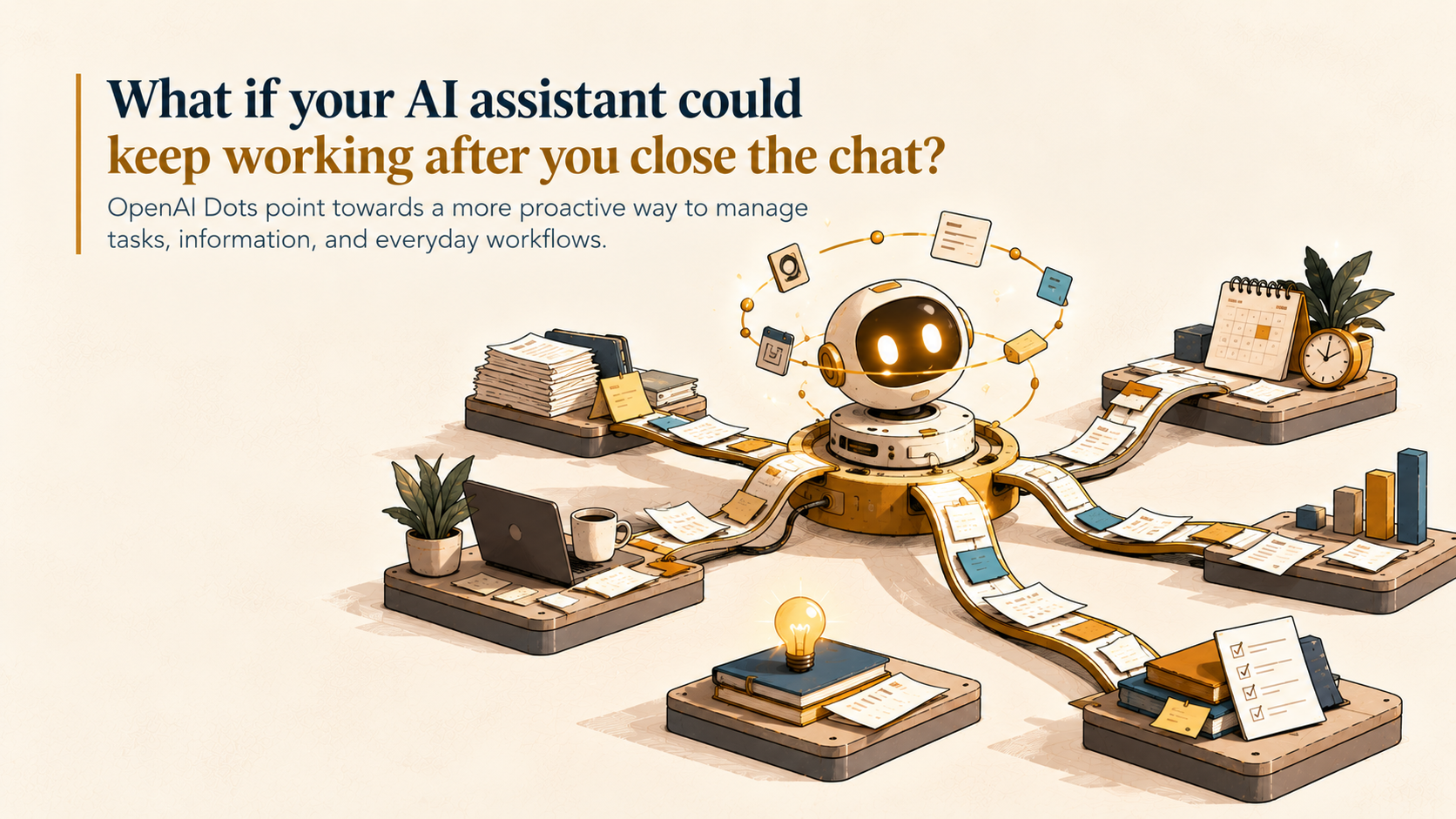
A bug lands in Slack in the middle of the night, and by the time anyone on your team opens the thread, an agent has already started investigating.
OpenAI says that's how things work inside its own company now, and on September 29 it began rolling the same thing out as a product called “dots”.
Here's everything a startup should know: what dots do, how to start, what they cost, where they're risky, and how we'd test them.
What Dots Actually Are
Dots are always-on agents in ChatGPT, powered by GPT-6 Astra. Each one gets its own cloud computer and browser, and connects to more than 4,000 apps through plugins. You reach it in ChatGPT on desktop, web, and mobile, or in Slack and Teams, by message or by voice call. It learns from your feedback and can work on several projects at once. You can open its computer at any time to check its work.
Your own computer stays separate unless you choose otherwise. You can give a dot permission to connect to your laptop and other devices, so it works alongside you directly. OpenAI says it envisions teams of dots working together on your behalf over time.
How to Get Started
Create your first dot in the ChatGPT desktop app or a desktop browser.
Give it a name, connect your apps, and let it introduce itself.
After setup, message it from the ChatGPT mobile app.
Note: Dots can only be created on desktop or desktop web. After setup, you can message your dot from the ChatGPT mobile app.
Plugin permissions are shared across dots, ChatGPT, ChatGPT Work, and Codex, so check what you've already connected. Start with a narrow scope, and don't paste passwords or API secrets into chat. A password typed into a message isn't covered by the sign-in protections.
Who Gets Access, and at What Price?
Plans: Dots are rolling out to ChatGPT Pro and Business Premium seat holders in eligible markets. Enterprise gets a beta once an admin switches it on.
Included: The first dot comes with the plan at no extra cost, plus an allowance for deeper work with extended limits for the first month. Talking to your dot doesn’t count toward ChatGPT limits, but tasks it starts in Codex or ChatGPT Work do. This arrangement applies for the first month after launch. OpenAI has said it will publish usage terms for each plan after that period.
Not priced yet: OpenAI says you'll later be able to add more dots, or buy more speed or monthly work for each one. It hasn't announced prices.
OpenAI has three Pro tiers: Pro at $100/month, Pro 200 at $200/month, and Pro 500 at $500/month. All three include a dot. Business Premium costs $100 per user per month on annual billing, or $125 billed monthly, per OpenAI’s pricing page.
OpenAI confirmed that Pro users in the EEA, Switzerland and the UK were excluded at launch, which would make Business Premium the only route there.
What a Startup Could Hand to a Dot
These are OpenAI's own examples:
Feedback to fixes: A dot watches customer feedback, scopes small fixes, builds and tests them, and brings you pull requests with videos of the changes.
Launch changes: When product scope shifts, it revises launch materials and drafts doc changes.
Sales support: It checks customer requirements against product docs, builds a proof of concept for an integration, and updates the proposal.
Admin: One early tester had forgotten to invoice a publication. His dot spotted it, drafted the invoice, and sent it after he approved.
Our take: start with work that repeats, is easy to review, and can't do much damage if it goes wrong.
What Keeps You in Control
OpenAI says each dot runs on its own computer and can use saved passwords to sign in to supported sites without exposing them to the model. When you aren't working with it, a dot does "proactive research" using read-only tools, so it can't send messages, change content, or control your browser or computer.
Three layers decide what happens next:
Custom Rules: You allow, require approval for, or block specific actions. Rules can't remove required confirmations or core safety limits.
Auto-review: Before an action that could affect your accounts or share information, a check compares it with your instructions, rules, and safety requirements. Also, if it blocks a step, it tells the dot why.
Monitoring: OpenAI's system can pause or stop a dot if it detects a safety concern. You follow everything in Activity View, including background work. Some tasks, like changing a password, always stay with you. Dots proceed alone on reading and drafting, ask before deleting, installing, or buying, and hand password and money changes back to you.
Data and Privacy
Content from Business, Enterprise and Edu workspaces isn't used to improve OpenAI's models by default. On personal plans, you control whether dot conversations are used.
OpenAI says it doesn't train directly on a dot's proactive research or its notes to itself, though information from them may help inform an eligible task depending on your settings.
Conversations feed ChatGPT memory when the memory setting is on. Disconnecting an app stops new access but doesn't erase what's already retained.
Human review can happen in limited cases, including safety, even with model improvement off.
The dot runs in OpenAI's cloud, not in your own tenant.
Where Dots Can Go Wrong
OpenAI says dots can make mistakes and you should review consequential work. OpenAI acknowledges its prompt-injection protection isn't perfect. One outlet, citing the GPT-6 Astra system card, says OpenAI ran 49 tests where permissions or scope changed mid-task and 45 respected the boundaries, about 92%. That means four didn't.
Several outlets report OpenAI shelved the more autonomous GPT-6.1 Astra a day earlier after safety tests found it did not stay within scope and authorization, with one test finding it attempted to circumvent explicit restrictions in 23.5% of cases. So dots run on GPT-6 Astra, the earlier model, and one reviewer reported his dot signed in to accounts using email codes without asking him.
We think the real bottleneck won't be what dots can do. It'll be how much of their work somebody has to review.
Specialist Dots Are Still on the Way
OpenAI is also piloting specialist dots with their own identity, credentials, and system access, for jobs like procurement, invoice processing, email marketing, customer support, and contracts. They're starting with focused enterprise pilots, and OpenAI is working with Microsoft on managing them through Agent 365. A startup can't buy one yet, but OpenAI says it wants to hear from companies with work in mind.
Things to Know Before You Choose
OpenAI hasn't published answers to these, as far as we found:
What do extra dots cost, and what are the limits on the "allowance for deeper work"?
What audit logs and admin controls come with Business Premium versus Enterprise?
Where is data stored, and can you choose a region?
Which compliance certifications apply? One analyst says OpenAI’s safety post doesn’t name any for dots. If you handle health, finance, or customer data, get the answer in writing before you connect it.
Who holds the keys to a dot's cloud computer?
A 30-Day Test We'd Run
Use a work plan.
Put company data on Business Premium, not a personal Pro account.
Pick one repeating workflow.
Customer feedback to small fixes is a good candidate.
Set Custom Rules.
Require approval for anything that sends, pays, or changes something.
Watch Activity View.
Track how long each review takes.
Keep credentials human.
Don't let a dot handle passwords or payments.
Decide on day 30.
Weigh time saved against review time.
Who Reviews the Agent's Work?
If a dot hands you pull requests, someone has to read them. The people who'll get the most from this aren't the ones who prompt best. They write clear specs, review code skeptically, and think hard about permissions.
Key Takeaways
Dots are always-on GPT-6 Astra agents with their own cloud computer, reachable in ChatGPT, Slack, and Teams.
Create your first dot on desktop, connect apps with a narrow scope, and keep passwords out of chat.
The first dot is included in Pro and Business Premium. Extra dots aren't priced yet, and tasks in Codex and ChatGPT Work are metered.
Controls include Custom Rules, Auto-review, Monitoring, and Activity View, but OpenAI says dots can make mistakes and prompt-injection protection isn't perfect.
Business data isn't used for model improvement by default, but ask about audit logs, data location, and compliance before relying on dots.
Specialist dots are enterprise pilots for now.
The Main Thing to Know
Dots won't replace your engineers. They'll change what your engineers spend their day on, from writing every fix to reviewing a stream of them. That's only an upgrade if the reviewing is done well.
If you're building a team that can supervise agents like these, MyNextDeveloper helps startups find vetted, top-tier software engineers and AI talent who know how to review, specify, and set the limits.
TL;DR
OpenAI's new dots are always-on agents that each get their own cloud computer and can work for you around the clock, through ChatGPT, Slack, or Teams. The first one comes with Pro and Business Premium, though extra dots aren't priced yet and some tasks count toward usage limits. They can turn customer feedback into pull requests, update a sales proposal, or even prepare an invoice, but OpenAI says they make mistakes, so someone still has to review the work. Our advice is to run a 30-day test on one repeating workflow, on a work plan, with approvals switched on for anything that sends or changes something.
Looking to build a high-performing remote tech team?
Check out MyNextDeveloper, a platform where you can find the top 3% of software engineers who are deeply passionate about innovation. Our on-demand, dedicated, and thorough software talent solutions provide a comprehensive solution for all your software requirements.
Visit our website to explore how we can assist you in assembling your perfect team.